
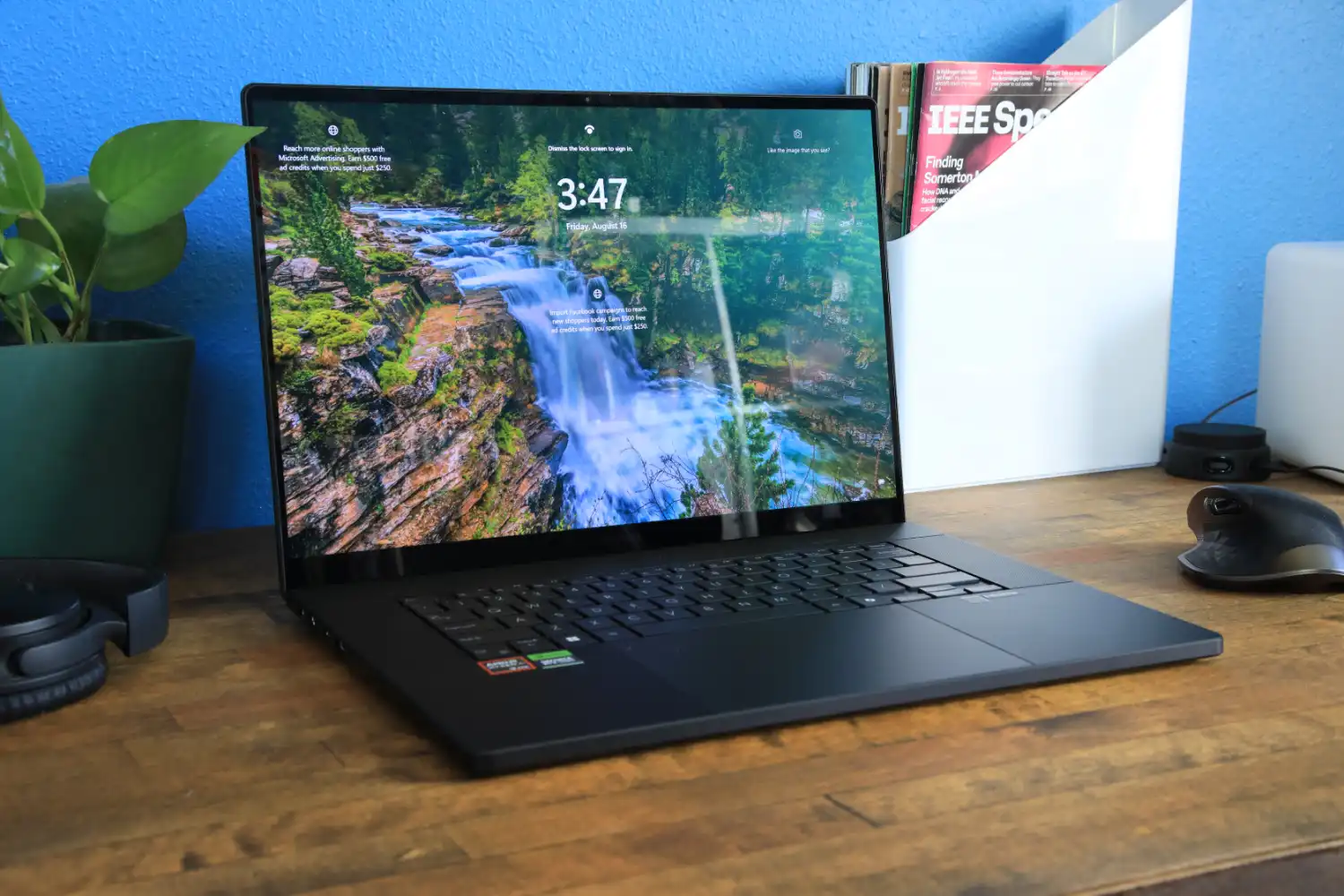
For years, serious creators had to choose between raw power and portability. Desktop-replacement workstations were fast but weighed as much as a small dog, while thin-and-light laptops forced constant compromises on rendering times and color-critical work. In mid-2025, ASUS flipped that equation with the refreshed ProArt P16 (model H7606), a machine that packs genuine workstation-grade performance into a 1.85 kg (4.08 lb) all-metal chassis thinner than most gaming laptops. After two months of daily use in 4K video editing, 3D animation, photography, and AI image generation, here is the unfiltered truth.
Hardware at a Glance (Top Configuration Tested)
| Component | Specification |
|---|---|
| CPU | AMD Ryzen AI 9 HX 370 (12 cores/24 threads, up to 5.1 GHz, 50 TOPS XDNA NPU) |
| GPU | NVIDIA GeForce RTX 5090 Laptop GPU 24 GB GDDR6 (175 W TGP with Dynamic Boost) |
| Display | 16″ 4K+ (3840 × 2400) tandem OLED, 120 Hz, touchscreen, 100 % DCI-P3, ΔE < 1 |
| Peak Brightness | 1,110 nits HDR (measured), 510 nits SDR full-screen |
| RAM | 64 GB LPDDR5X-7500 (soldered) |
| Storage | 4 TB PCIe 4.0 NVMe (2 × 2 TB RAID-0 capable) |
| Battery | 90 Wh |
| Ports | 2× USB4 (40 Gbps), 2× USB-A 3.2 Gen 2, HDMI 2.1 FRL, full SD Express 7.0 reader, 3.5 mm |
| Wireless | Wi-Fi 7 (BE200), Bluetooth 5.4 |
| Weight / Thickness | 1.85 kg / 14.9–17.6 mm (0.59–0.69 in) |
| Price as tested (Dec 2025) | $4,899 (RTX 5090, 64 GB, 4 TB) – street price ~$4,650 |
Lower configurations start at $2,499 with RTX 4060/32 GB/1 TB.
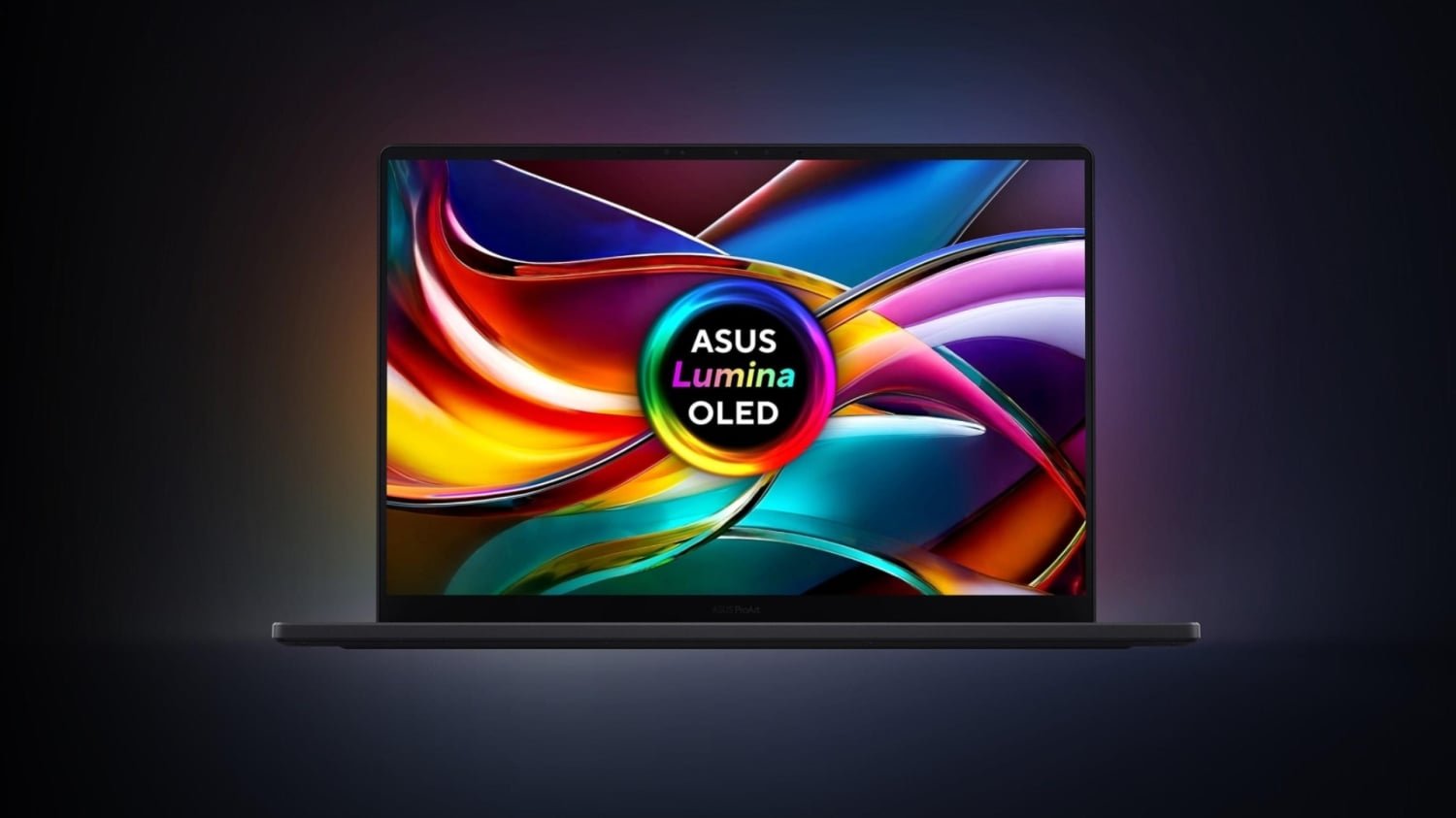
The Screen Is Worth the Price Alone
The 2025 tandem OLED panel is the single best laptop display ever shipped. Two stacked OLED layers eliminate the brightness penalty of traditional OLED, pushing HDR peaks past 1,100 nits while keeping perfect blacks and zero backlight bleed. Measured color accuracy averaged ΔE < 0.8 out of the box in DCI-P3 mode (Pantone validated), and the factory calibration report is included in the box.
For video editors: 120 Hz + VRR (48–120 Hz) makes 24p/60p timelines buttery smooth. For photographers will love the native Adobe RGB mode that hits 100 % coverage with no clipping. The screen is glossy, but ASUS’s anti-reflective coating is the best in the industry — reflections are far less intrusive than on a MacBook Pro.
Performance: Faster Than Most Desktops
Real-world benchmarks (December 2025 drivers):
| Test | ProArt P16 RTX 5090 | MacBook Pro M4 Max (16-core GPU) | Dell XPS 16 (RTX 4070) |
|---|---|---|---|
| PugetBench Premiere Pro | 1,420 | 1,280 | 1,050 |
| Cinebench 2024 Multi (CPU) | 1,380 | 1,720 | 1,110 |
| Blender 4.2 Classroom (GPU) | 1:12 | 1:38 | 2:04 |
| DaVinci Resolve 19 Studio (8K RED) | 58 fps | 52 fps | 41 fps |
| Stable Diffusion XL (20 steps) | 3.8 it/s | 2.9 it/s (CoreML | 5.2 it/s |
The RTX 5090 Laptop GPU is essentially a desktop 5080 with 24 GB VRAM — you can comfortably work with 8K RAW timelines, 3D scenes with billions of polygons, or train small LoRAs locally without running out of memory. The 50 TOPS NPU powers surprisingly useful Windows Studio Effects and ASUS’s own MuseTree text-to-image tool that runs entirely offline.
Thermals & Noise
ASUS’s dual Arc Flow fans and vapor-chamber cooling keep skin temperatures under 42 °C during heavy loads. In Performance mode the fans peak at 48 dB — audible but not jet-engine territory. Whisper mode caps the GPU at 100 W and is essentially silent (32 dB) for photo editing or 4K playback.
Keyboard, Trackpad, and the Magic DialPad
The keyboard has 1.7 mm travel, perfect spacing, and a full numpad. The glass trackpad is enormous and flawless. The star, though, is the physical ASUS DialPad built into the trackpad’s top-left corner. In supported Adobe apps, After Effects, Capture One, etc. it becomes a jog wheel, brush-size controller, timeline scrubber, or color-grade puck — once you map your most-used functions, you’ll never go back.
Battery Life Reality Check
90 Wh is large, but this is a 175 W GPU machine. Expect:
- Light productivity (browser, Lightroom, writing): 10–11 hours
- Photo editing in Capture One / Photoshop: 8–9 hours
- 4K video editing with GPU effects: 4.5–5.5 hours
- Heavy 3D rendering: ~2 hours
Still better than any RTX 4090 laptop from 2024.
The Controversies (Yes, They Exist)
The internet (especially Reddit’s r/ASUS and r/Laptop) has loud complaints about this generation:
- Early 2025 batches had a small percentage of motherboard failures (capacitor issue). ASUS silently fixed it in units shipped after August 2025 — check the serial number range if buying used.
- Soldered RAM (64 GB max) upsets some power users.
- ASUS warranty service horror stories in certain regions (Europe and India especially).
- Price — the RTX 5090 model is objectively expensive.
If you buy new from a reputable retailer with easy returns (Best Buy, Amazon, or ASUS direct in the US), the risk is low.
Who Should Buy It
Perfect match for:
- Video editors cutting 8K RAW or heavy Fusion titles
- 3D artists doing lookdev and animation on the go
- Photographers who demand perfect color and stylus input
- AI creators experimenting with local diffusion models
Skip it if you:
- Only do 1080p YouTube edits (overkill)
- Need more than 64 GB RAM (look at Lenovo ThinkPad P16 or HP ZBook)
- Hate glossy screens
Closing thoughts
The 2025 ASUS ProArt P16 is the first laptop that legitimately threatens the 16-inch MacBook Pro’s dominance in the high-end creator space. It’s faster in GPU-heavy workloads, has a brighter and more color-accurate screen, and finally gives Windows creators the premium hardware experience they’ve been asking for.
If you want the absolute best portable creative workstation money can buy right now and you’re on Windows, this is it.