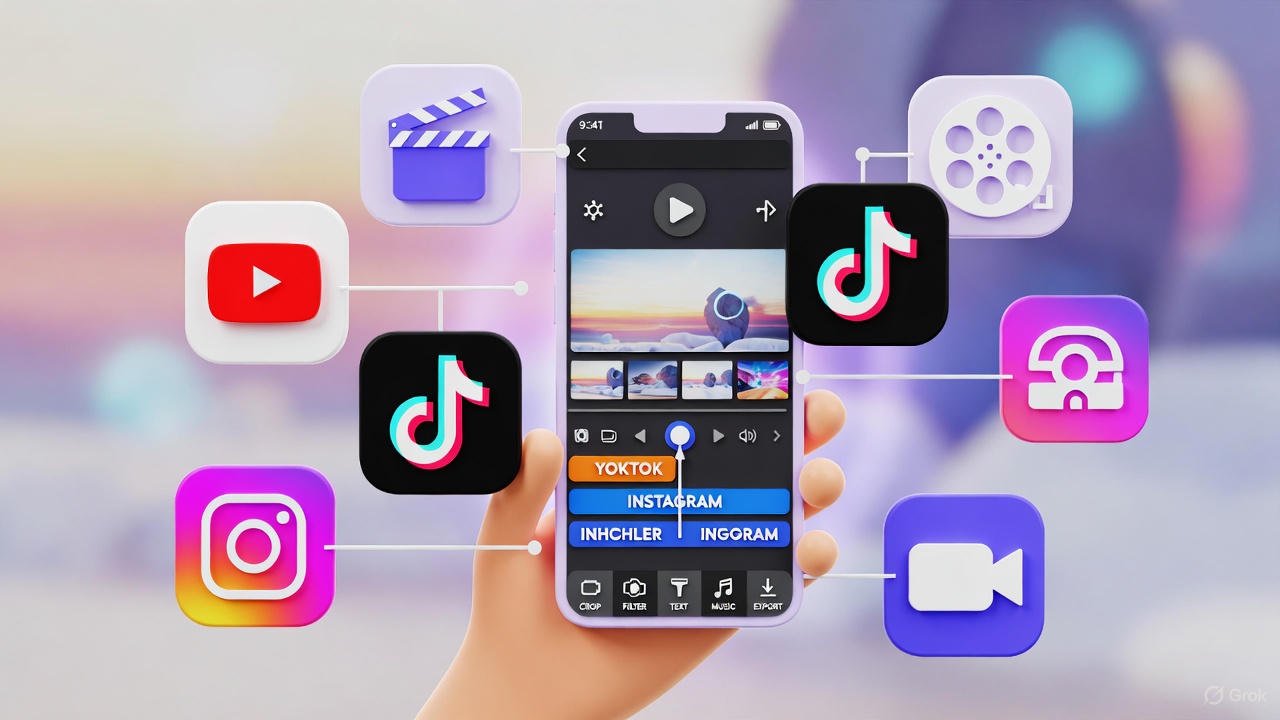
In 2025, video content dominates our screens—from TikTok trends and Instagram Reels to YouTube Shorts and professional vlogs. With smartphone cameras rivaling dedicated gear, the real magic happens in editing. Mobile video apps have evolved into powerhouse tools, packing AI-driven features, multi-track timelines, and seamless social integrations into your pocket. Whether you’re a beginner whipping up quick clips or a pro crafting cinematic stories, these apps make it effortless.
Gone are the days of clunky interfaces; today’s editors offer 4K support, auto-captions, and cloud syncing without draining your battery (too much). Based on expert reviews and user buzz, here are the top 5 mobile video editing apps for iOS and Android. We’ve prioritized versatility, ease of use, and innovation to help you pick the perfect fit.
1. CapCut: The TikTok Powerhouse for Viral Shorts
CapCut, from ByteDance (TikTok’s parent company), reigns supreme for short-form creators in 2025. It’s free, intuitive, and loaded with AI tools that turn raw footage into polished gems. Expect auto-subtitles, motion tracking, trendy effects, and seamless TikTok exports—ideal for Reels or Stories.
Key Features:
- AI filters and beat-sync editing for effortless rhythm.
- Multi-layer timelines with stickers, text animations, and green screen.
- 4K exports and cloud storage for collaboration.
Pros: Zero cost for core tools; super lightweight on battery; huge template library.
Cons: Watermarks on free exports (removable via premium, $7.99/month).
Best For: Social media influencers and beginners chasing trends.
2. LumaFusion: Pro-Grade Editing for Serious Creators
If you’re ready to level up, LumaFusion is the gold standard for iOS users (Android version in beta as of late 2025). This one-time purchase app ($29.99) feels like Final Cut Pro on steroids, with magnetic timelines, keyframing, and XML export for desktop handoff.
Key Features:
- Advanced audio mixing with EQ and voice isolation.
- 10-bit color grading, speed ramping, and AR/VR support.
- External monitor compatibility for precise tweaks.
Pros: Non-destructive edits; rock-solid stability; no subscriptions.
Cons: Steeper learning curve; iOS-only for full power.
Best For: Filmmakers and YouTubers needing broadcast-quality results.
3. PowerDirector: Cross-Platform Versatility with AI Smarts
CyberLink’s PowerDirector Mobile shines for Android and iOS users wanting desktop-like power without the hassle. Free with in-app purchases (premium $4.99/month), it excels in quick edits and effects, making it a favorite for action cams and vlogs.
Key Features:
- AI body effects, object removal, and sky replacement.
- Chroma key, stabilization, and 360-degree video support.
- Direct sharing to YouTube, Facebook, and more.
Pros: Intuitive drag-and-drop interface; handles 8K footage smoothly.
Cons: Some advanced effects locked behind paywall.
Best For: Travel vloggers and multi-platform creators.
4. KineMaster: Layered Control for Audio-Visual Wizards
KineMaster delivers pro tools in a beginner-friendly package, available on both platforms. It’s free with ads (premium $4.99/month removes them), boasting chroma key, multi-layer editing, and precise audio controls that rival dedicated DAWs.
Key Features:
- 4K/60fps exports with speed control and transitions.
- Asset store for premium sounds, fonts, and effects.
- Voice changer and echo/reverb for podcasts.
Pros: Excellent for music videos; offline editing.
Cons: Free version adds watermarks; occasional crashes on older devices.
Best For: Musicians and podcasters blending video with sound.
5. Adobe Premiere Rush: Seamless Workflow for Adobe Fans
Adobe’s Premiere Rush bridges mobile and desktop, perfect for cross-device editing. Free for basics (premium $9.99/month unlocks 100GB cloud storage), it integrates with Premiere Pro for pros, focusing on speed and social-ready outputs.
Key Features:
- Auto-reframe for vertical/horizontal swaps.
- Color LUTs, motion graphics templates, and stock library.
- One-tap color correction and audio ducking.
Pros: Syncs across devices; familiar Adobe ecosystem.
Cons: Limited layers in free tier; Android version lags slightly behind iOS.
Best For: Brands and teams in the Adobe suite.
Final Thoughts: Which App Should You Download First?
In 2025, the “best” app boils down to your style: CapCut for fun and fast, LumaFusion for depth, or PowerDirector for balance. All five are free to start, so experiment—most offer tutorials to get you editing in minutes. With AI handling the grunt work, your creativity is the only limit. Grab your phone, hit record, and join the video revolution. What’s your next project?